 Tags: #Computer #JunkCleanup #SystemOptimization
 Introduction:
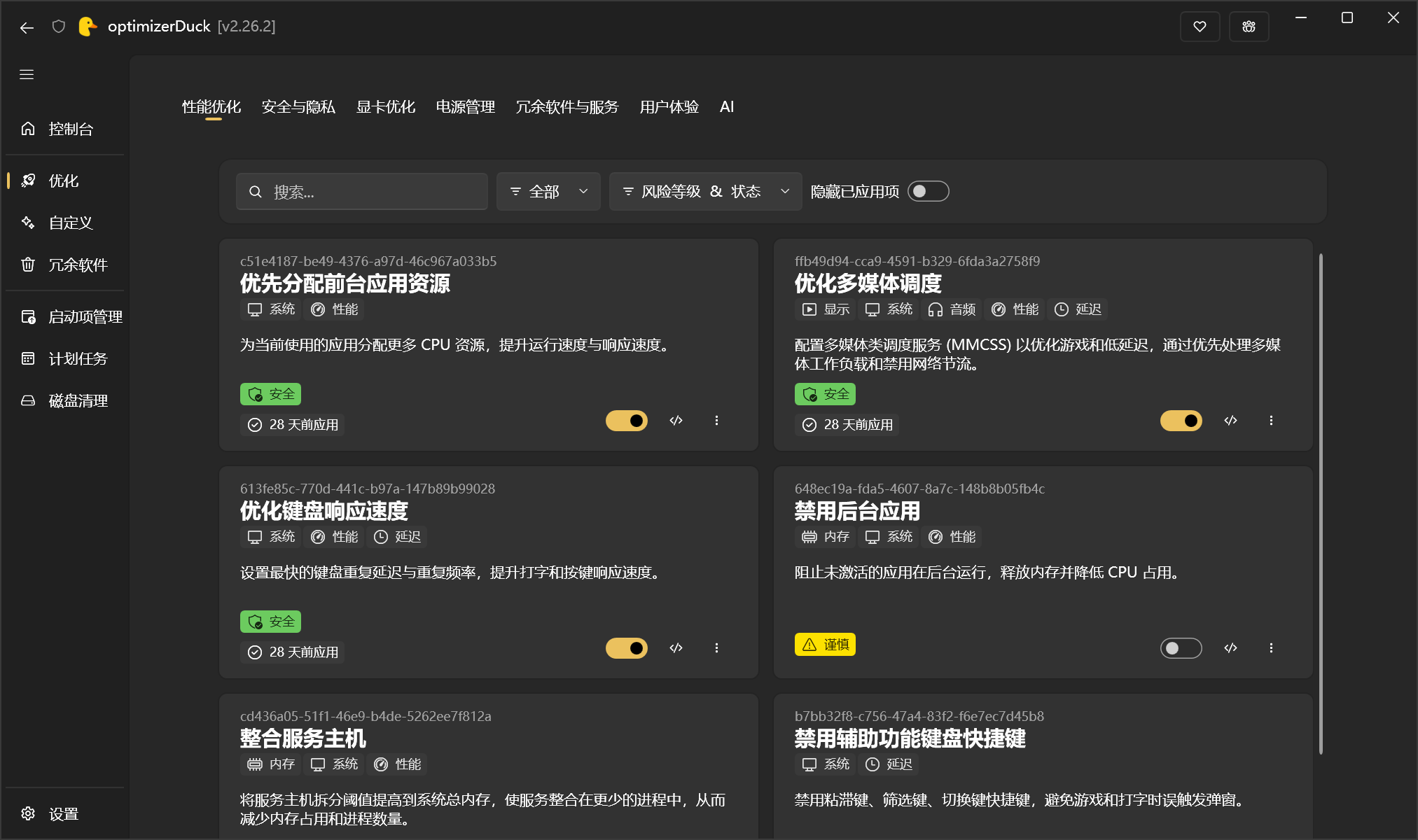
• If you always feel that your computer is becoming more bloated the longer you use it, with a whole bunch of background services running, but you don’t dare touch the registry carelessly, optimizerDuck is worth a try! It packs performance optimization, privacy protection, system debloating, startup item management, scheduled tasks, disk cleanup, preinstalled software removal, and more into a simple interface, with 30+ optimization options and fine-grained adjustments for 200+ Windows services built in. You don’t need to fiddle with the registry, Group Policy, or PowerShell yourself. Even better, each optimization has a risk level, automatic backups are created before changes are made, and individual changes can be undone or everything can be rolled back with one click; the software is also a single portable file requiring no installation, completely free, runs offline, and protects your privacy by not uploading data
 Project page
https://github.com/itsfatduck/optimizerDuck/blob/master/README.zh-CN.md


