Previous post: 如何获得一个免费能建站的(第二篇)(虚拟主机加云服务器)
There’s too little left — my next poll might be about domain names and open source website projects, because the second batch of free site building options is almost gone.
-
YGCloud Free Cloud Server
Official website: https://www.ygcloud.com
After registering an account, go to the product center and select a cloud server instance. The system offers a no-questions-asked refund for up to one week. Just choose your desired configuration, create an instance, and you can request a full refund at any time during the trial period, essentially making it a zero-cost trial. -
DigitalOcean Free Trial for New Users (Requires Credit Card Verification)
Official website: https://www.digitalocean.com/free/
After registering, bind your credit card or PayPal for a small pre-authorization verification. Once verified, you receive $200 in credits (valid for 60 days). On the “Droplets” page, click “Create” to choose your configuration and region, and deploy any VPS you want. Fees are deducted from the credits, and you’re only billed if you exceed the credits. -
HelioHost Permanently Free Web Hosting
Official website: https://www.heliohost.org
Click the registration link, fill in your username and email, set a password, and submit the form. After activating your email, log in to the control panel. Under the “Hosting” menu, select the free plan. The system will automatically assign space and a database. You can expand your resources by earning community points. -
alwaysdata Permanently Free Web Hosting
Official website: https://www.alwaysdata.com
When registering, simply check “Free” (免费) in the plan selection, enter your email and password, and submit. After logging in to the management panel, create a site under “Sites”; the system will automatically assign a free subdomain. Multiple language environments are supported, and there’s no time limit. -
FreeHosting.com Permanently Free Web Hosting
Official website: https://www.freehosting.com
After registering, select the “Free Plan” package, enter your desired subdomain prefix, and submit the order. The service is set up instantly, and you can view your FTP address and MySQL connection info in the control panel. Web-based file manager is supported for uploading code. -
Vultr Free Trial for New Users (Requires Credit Card Verification)
Official website: https://www.vultr.com/free/
After registering, go to “Billing” to bind your credit card or PayPal and complete a $1 pre-authorization check. Once verified, you automatically receive promotional credits (usually starting at $50). In “Products,” click “Deploy Server,” choose your region and image, and create an instance. Charges are deducted from the credits. -
evai.pl Free cPanel Hosting from Poland
Official website: http://evai.pl
Go to the website and click “Register” at the bottom right. Enter your username, password, and email, and pass the captcha. After submitting, check your email for an activation message. Click the activation link and enter the 8-digit code from the attached image. After a second successful submission, you’ll receive your cPanel and FTP credentials — wait a few minutes, then log in and start using them. -
IBM Cloud Permanently Free Cloud Server
Official website: IBM Cloud Free Tier
You need to bind a credit card to register. After logging in, click “Create Resource” in the console and choose “Virtual Server” (classic VM). Filter the plans for the “Free” tier. It comes with 1 core/1 GB RAM by default. Choose a Linux image and click create to get a public IP.
Next area after the previous post:
That’s why I wrote this post.
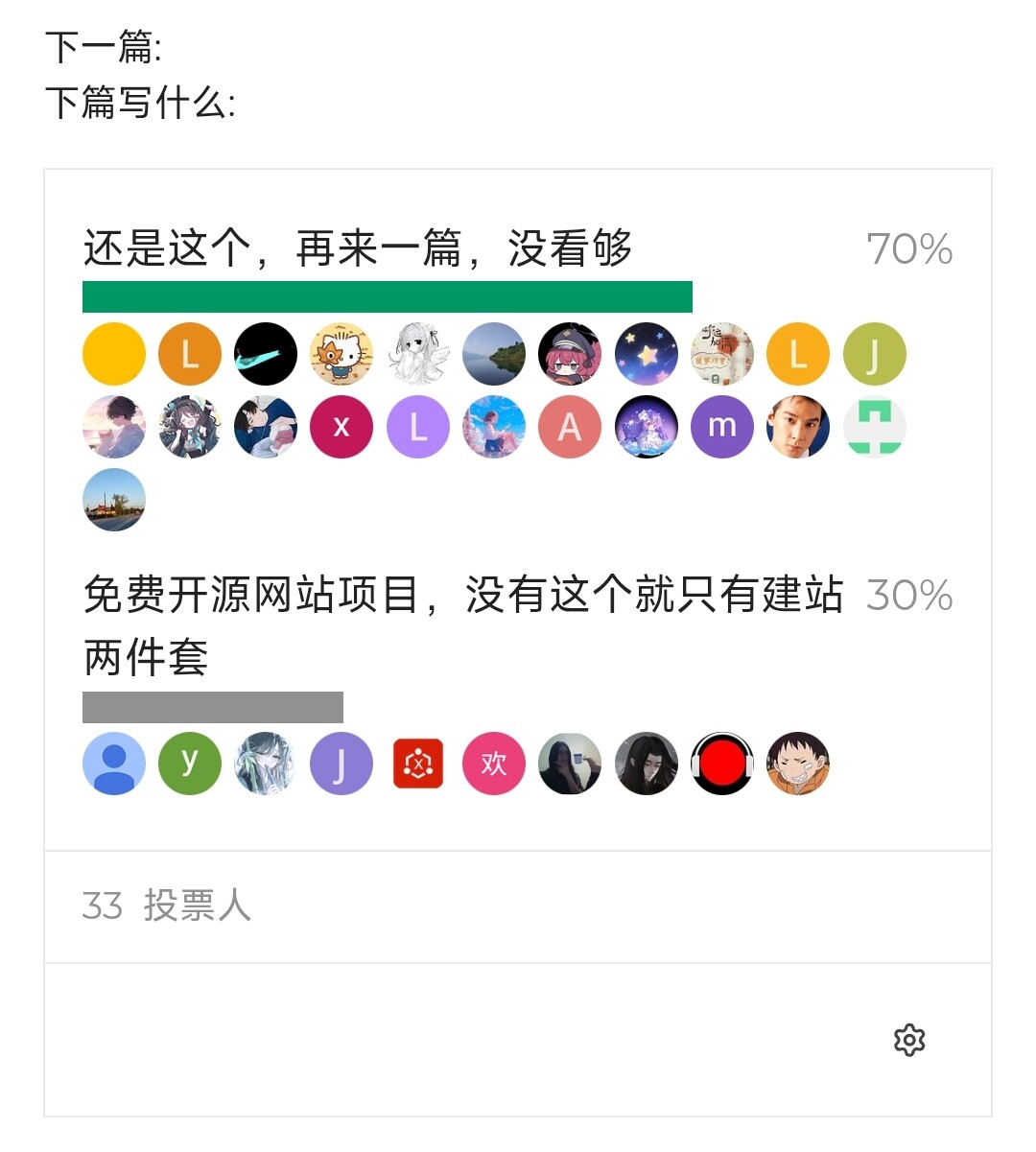
Next post:
What should I write next:
- Go back and write more about domains before I forget
- More cloud servers, can’t get enough (I’m ready — if you want a preview, DM me and I’ll send a snippet)
- Open source website projects — you can’t have a site-building toolkit without all three essentials!
 Much respect, much respect