Previous post: 教大家注册谷歌账号(第一篇)
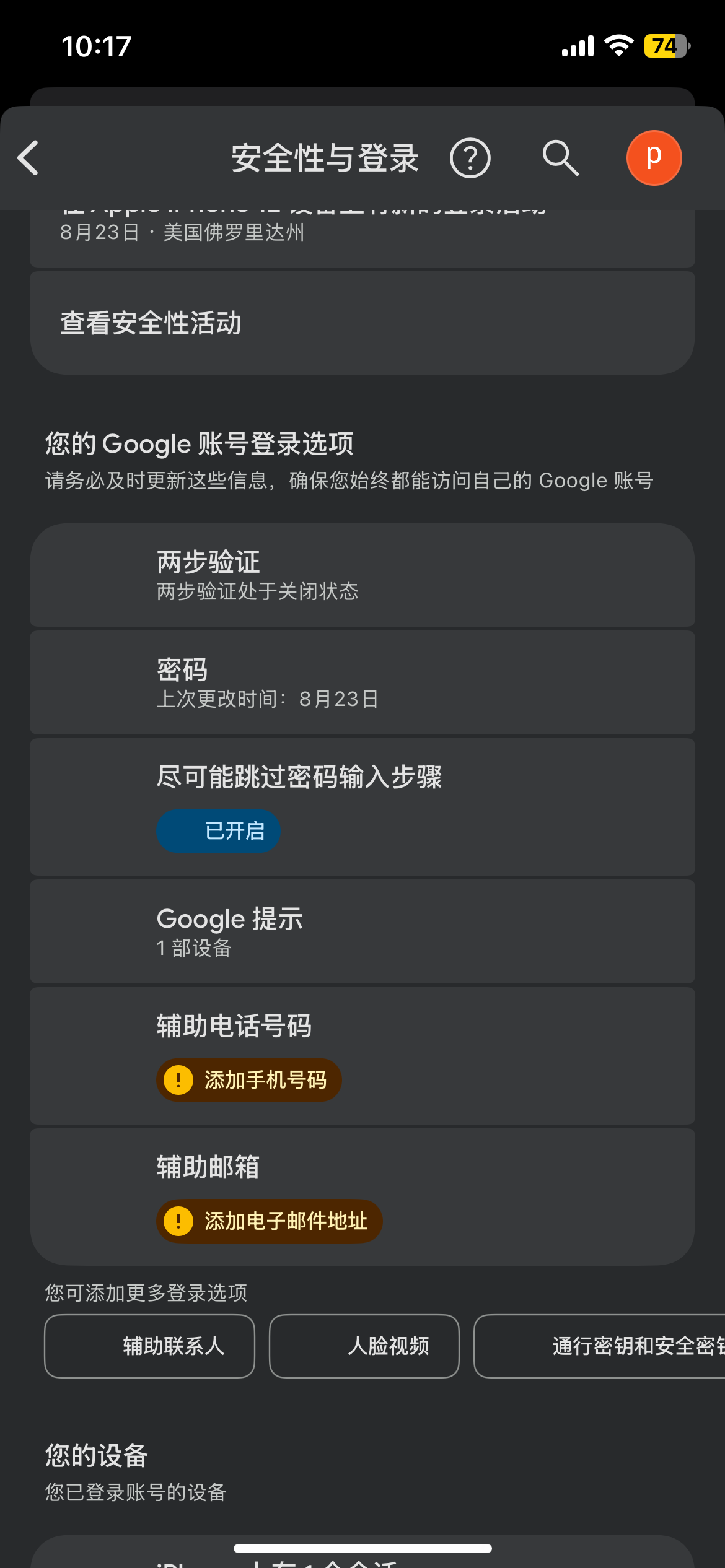
Now let’s continue. Today we’ll cover security settings: Security & Login.
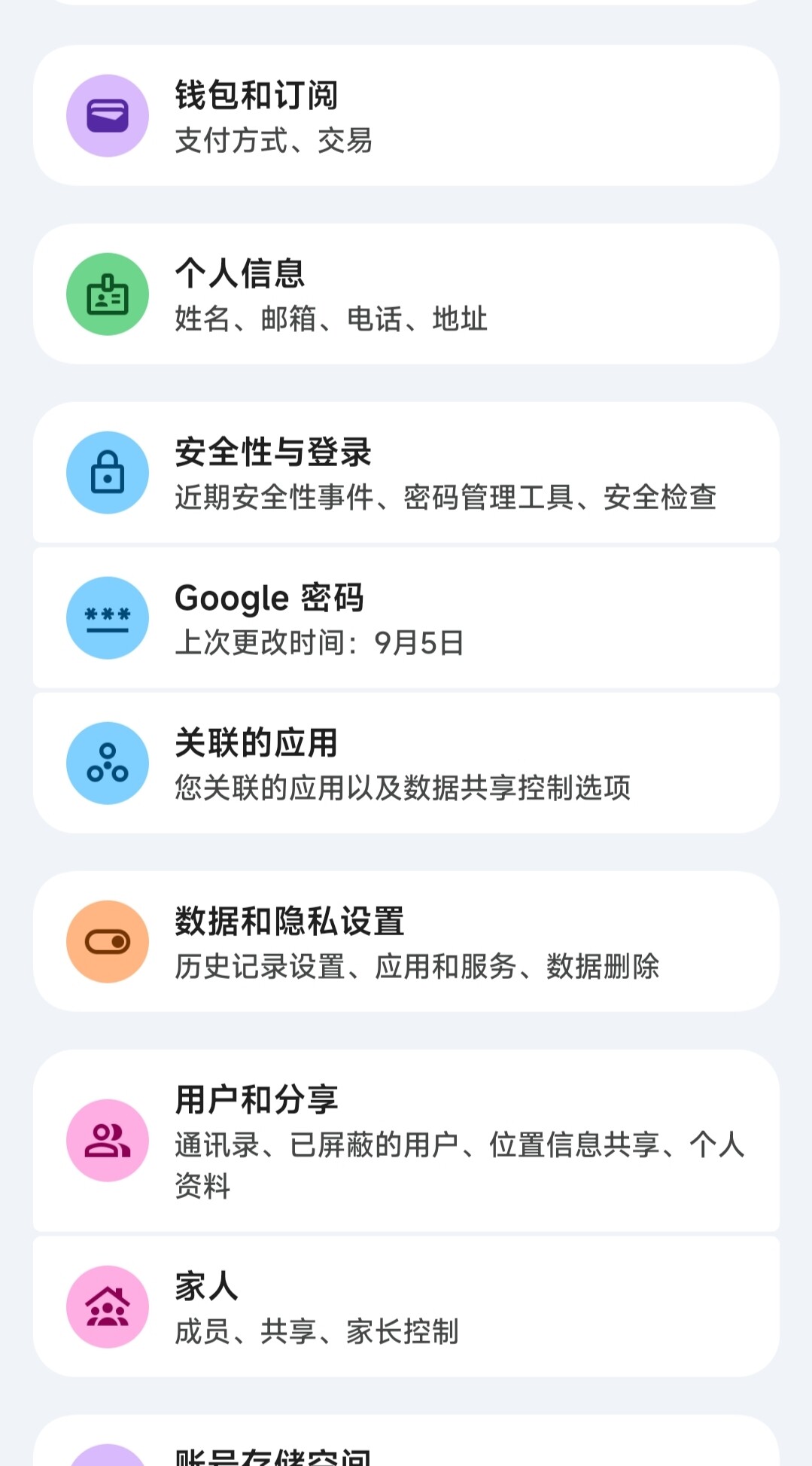
This is where you can add a secondary email/phone number, as I mentioned at the end of my previous post.
Click on Passkeys and Security Keys.
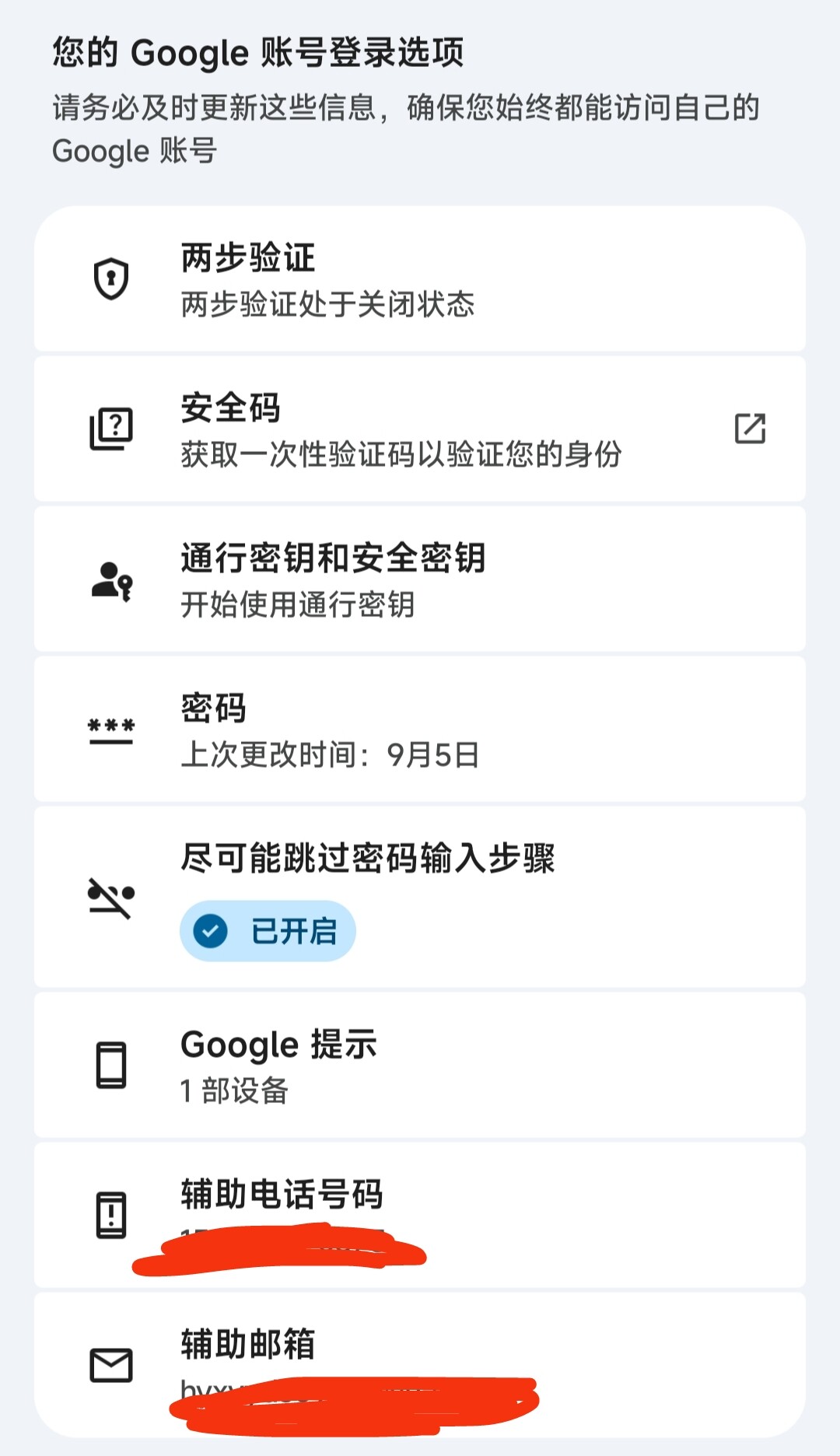
Just follow the prompts to enable it.
Back to Security & Login, click Two-Factor Authentication.
Select Authenticator app.
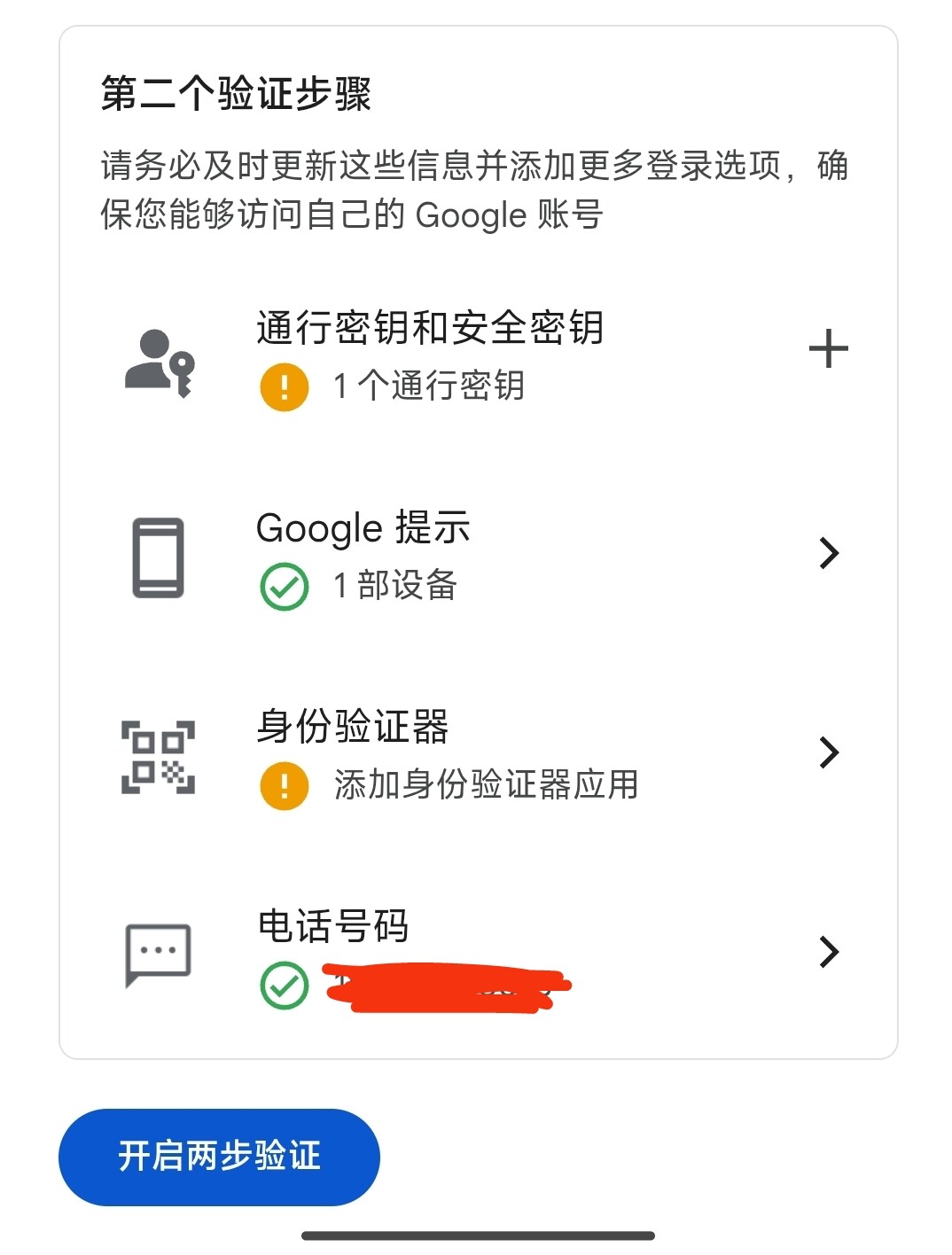
Enable it.
Next, generate 10 recovery codes. These come in handy when your phone isn’t with you. Make sure to create a fresh set of 10 once these are used up. This completes the second step of login verification.
That wraps up the security settings setup. Don’t forget to configure your recovery phone number or email!