I’ve always felt dissatisfied with the customization process of existing blog platforms. I migrated from Hexo to WordPress, then from WordPress to Typecho, and finally realized one simple fact: the cost of deep customization is often much higher than building everything yourself.
Driven by ideals of minimalism and pragmatism, I started a new project: AmiaBlog.
To be honest, there weren’t any real difficulties while building this blogging system. I just needed to follow my own design aesthetics and gradually piece everything together into a complete system. The project didn’t take long either—from bootstrapping development to a usable first release (the version I’m currently using) took less than three days.
The blog uses a FastAPI + Jinja2 + MDUIv2 tech stack, balancing performance, compatibility, and aesthetics.
Thanks to the Dynamic Theme system in MDUI V2, you just enter your favorite color and a full color scheme based on it is automatically generated. I modified the default Highlight.js styles so that highlighted code adapts dynamically with the theme.
AmiaBlog also uses a single-file configuration system, meaning the entire site can be deeply customized by simply editing one file. For example, here’s the config file from my own blog:
{
  "site_settings": {
    "title": "0x24a's Blog",
    "description": "0x24a's personal blog featuring topics like software development and vocal synthesis.",
    "keywords": "0x24a, 586, vocalsynth, vocaloid, software engineering",
    "site_url": "https://blog.24a.fun",
    "color_scheme": "DDAACC",
    "hljs_languages": [
      "python",
      "javascript",
      "rust",
      "markdown",
      "xml"
    ]
  },
  "copyright": {
    "name": "CC-BY-SA 4.0",
    "refer": "https://creativecommons.org/licenses/by-sa/4.0/deed.zh-hans"
  },
  "site_language": "zh-CN",
  "search_method": "jieba",
  "cloudflare_analytics_token": "4abc217a10ea4729932d88aa68c8277f"
}
At the same time, AmiaBlog is written entirely around Markdown as its writing system. Open your favorite editor, use YAML for your article metadata, then write the content in Markdown—this is the most comfortable writing experience for me. To create a writing environment that lets me more easily record and express my thoughts, even reinventing the wheel from scratch feels completely worthwhile.
Main Features
- Full Markdown writing support
- Built-in high-performance search algorithm
- Responsive frontend based on MDUI V2
- Automatic dark/light mode switching
- Auto-generated color schemes from just a primary color
- Multi-language support
- RSS feed support
Some Screenshots
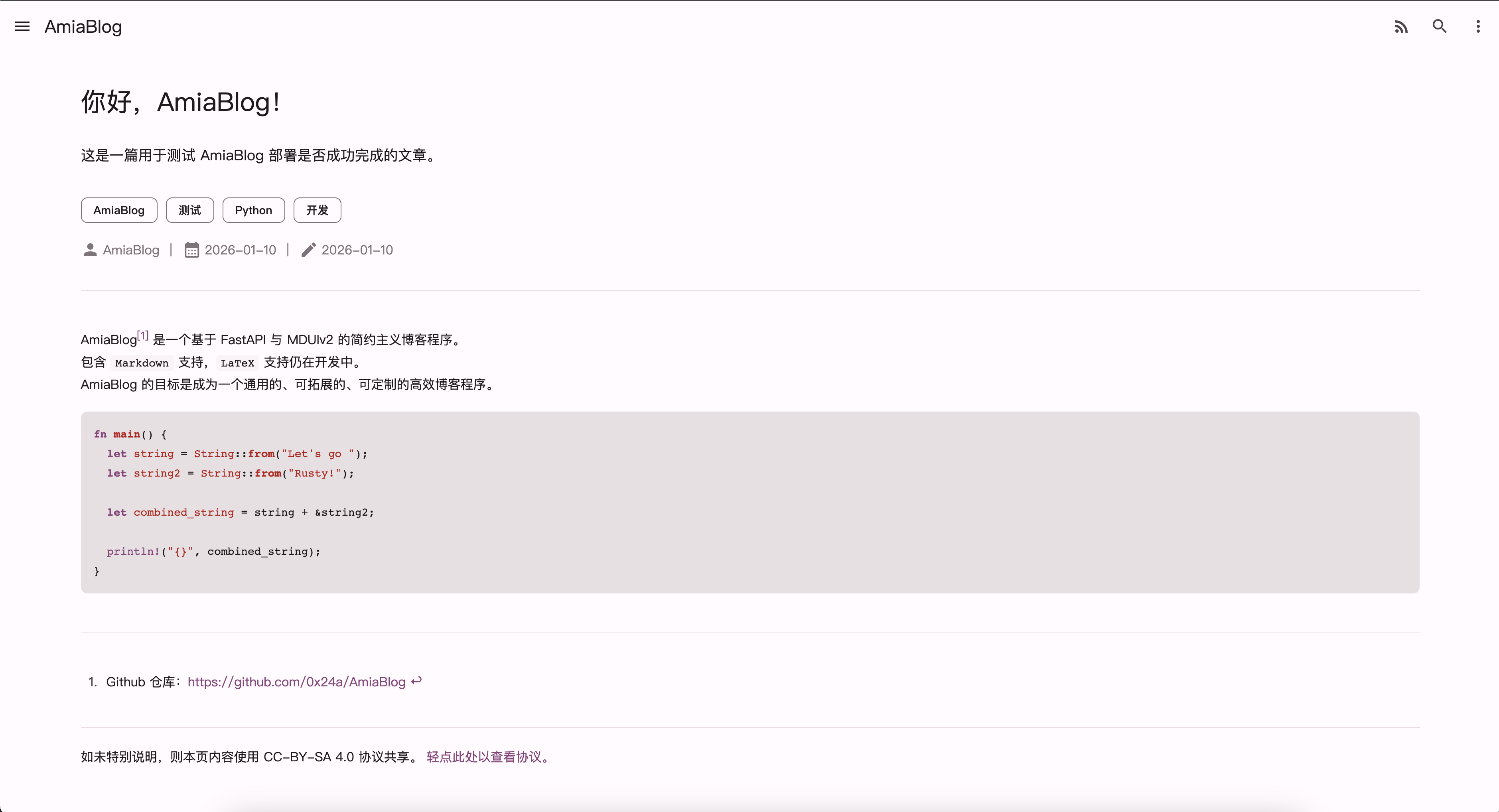
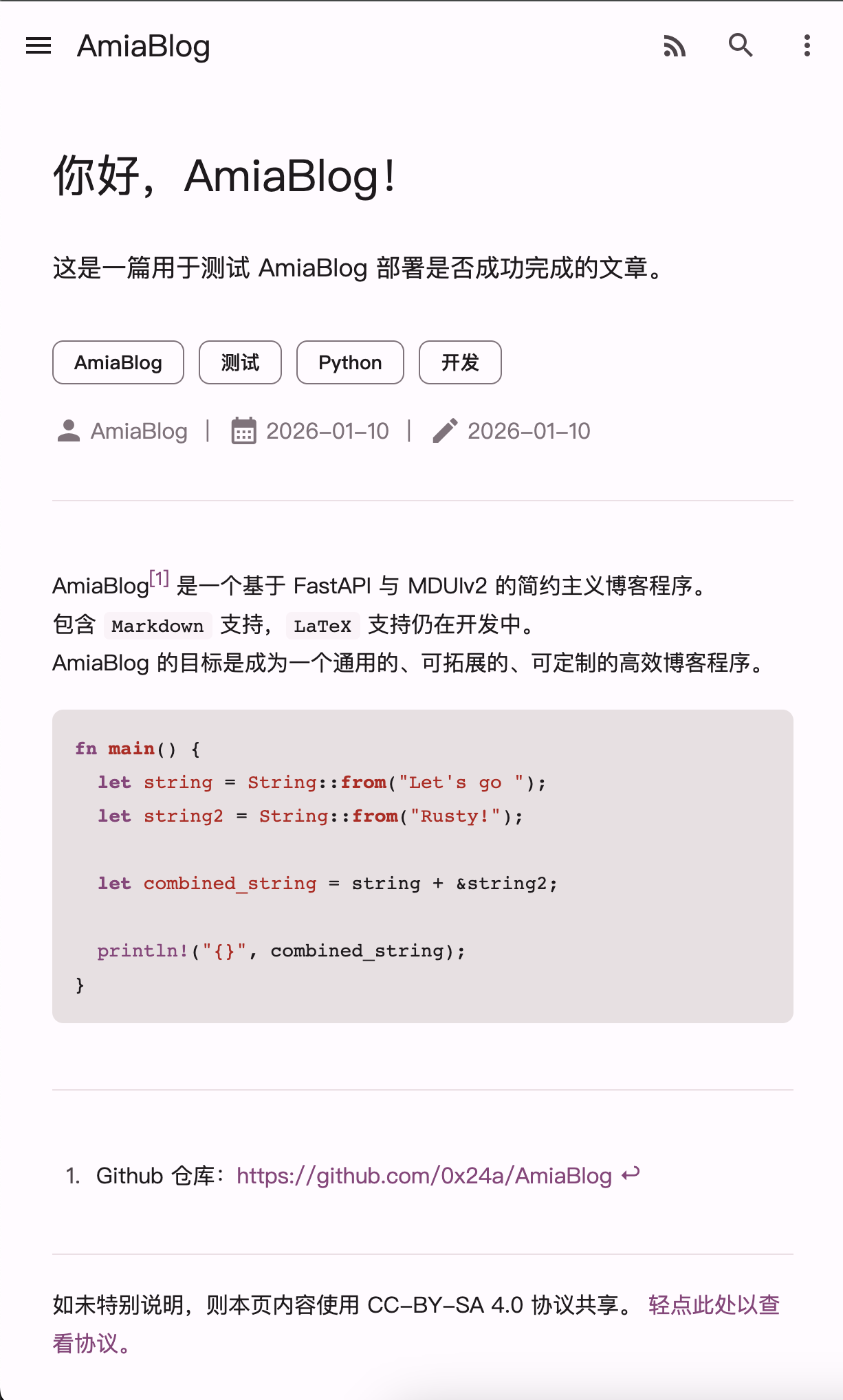
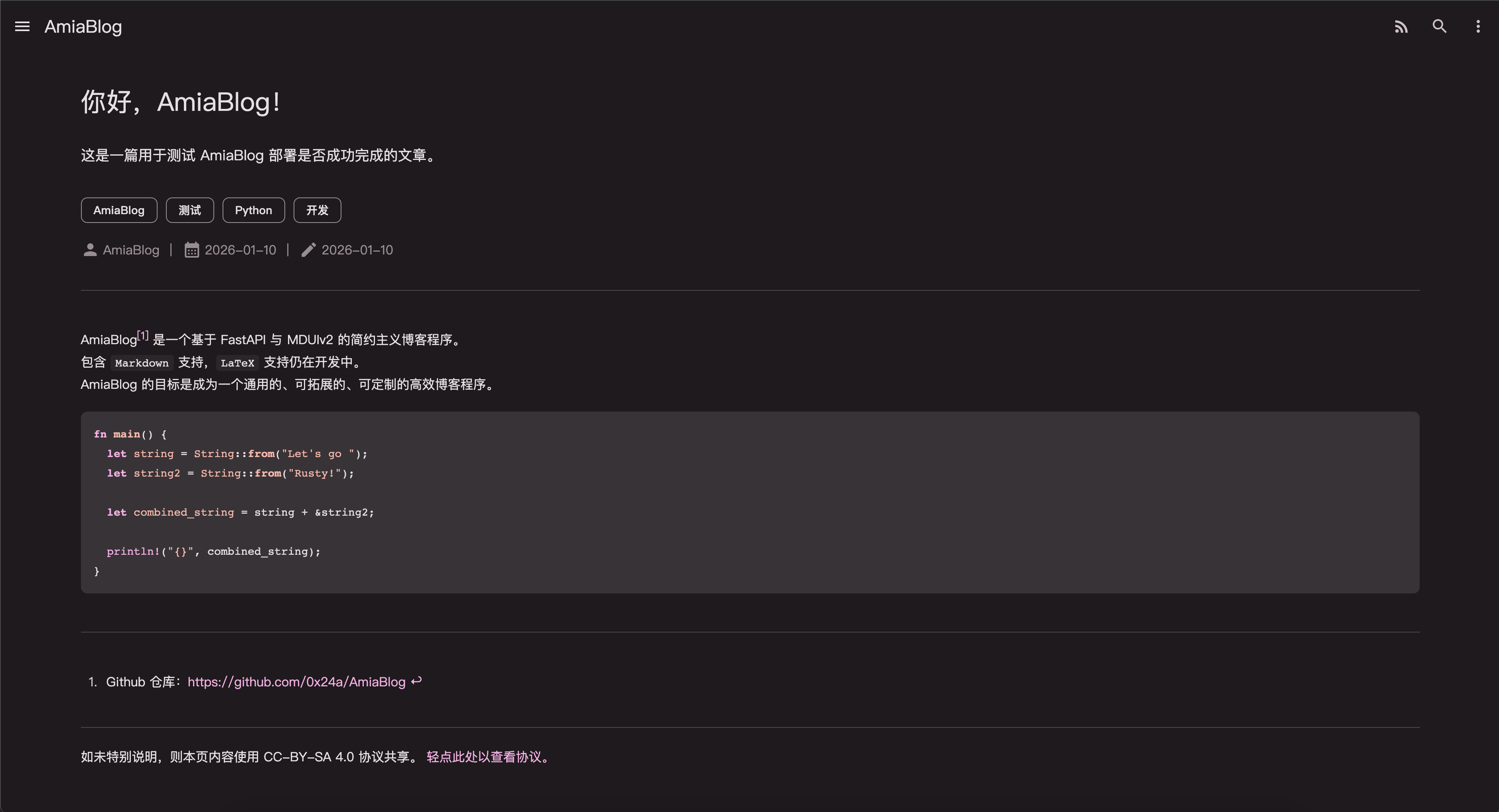


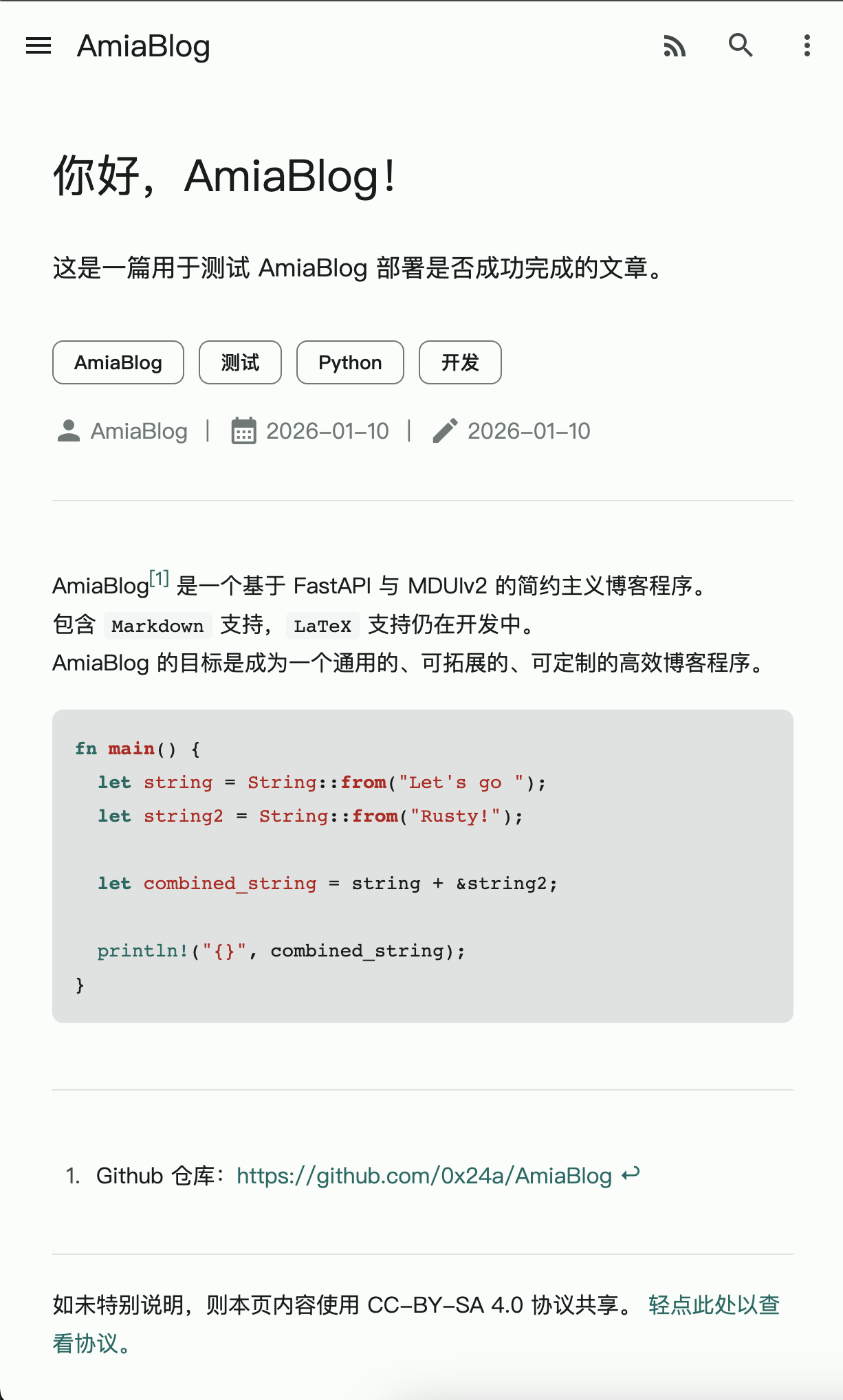
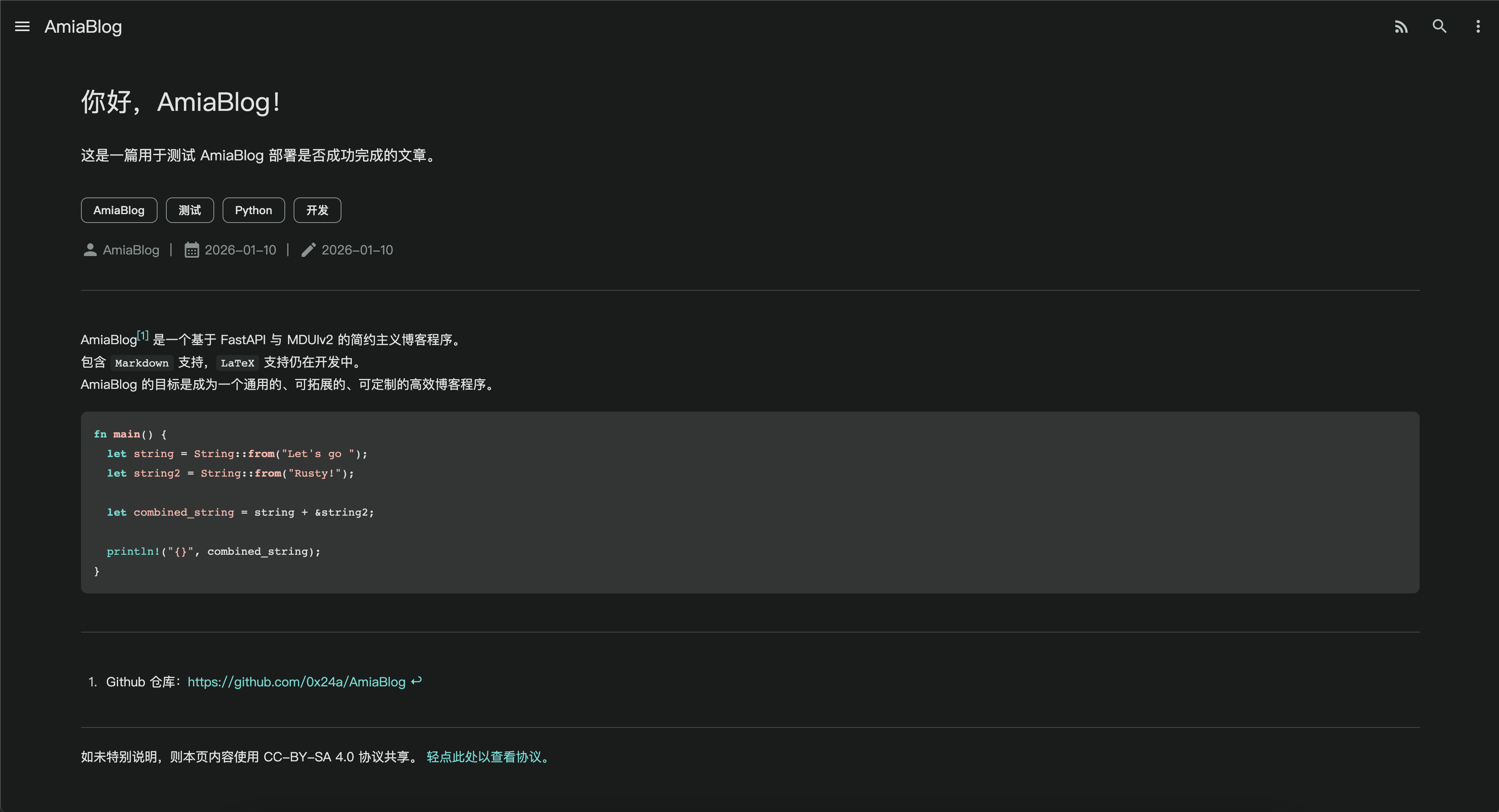
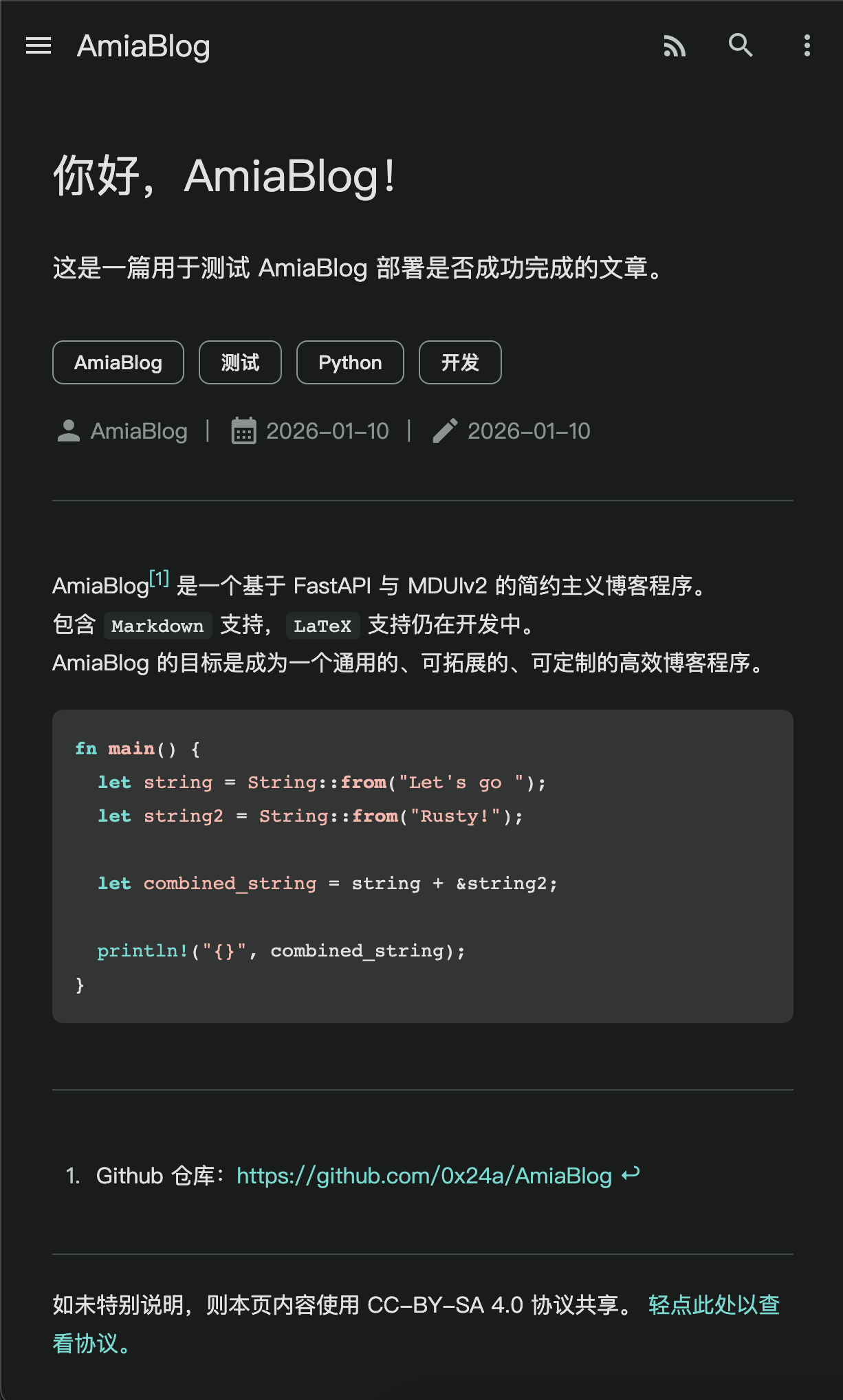
In the future, as I keep updating AmiaBlog, I’ll also try to update my own blog more often, so please stay tuned!
Lastly, here’s the AmiaBlog repo. You’re welcome to contribute or deploy your own instance for fun: GitHub - 0x24a/AmiaBlog: A simple, lightweight blog system built with FastAPI & MDUIv2. · GitHub


