In my previous articles, I introduced how to host your domain on Cloudflare and how to freely use CF CDN. This time, I’m demonstrating one of my favorite features: the email routing function. You can own your own mailbox with just one domain and create unlimited sub-mailboxes for use.
Here you don’t need to set up a complex mail server. As long as you have a domain hosted on Cloudflare, you can use any prefix mailbox to register for the accounts you want. All emails will be automatically forwarded to your designated main mailbox, making it very convenient to receive verification codes.
If you don’t know how to host a domain yet, you can refer to my article first: Beginner’s Guide: How to Seamlessly Host Your Domain on Cloudflare
Powerful Open Source Repository
Before formal configuration, let me introduce an open source project repository that collects many projects deploying Cloudflare free resources: Awesome Cloudflare.
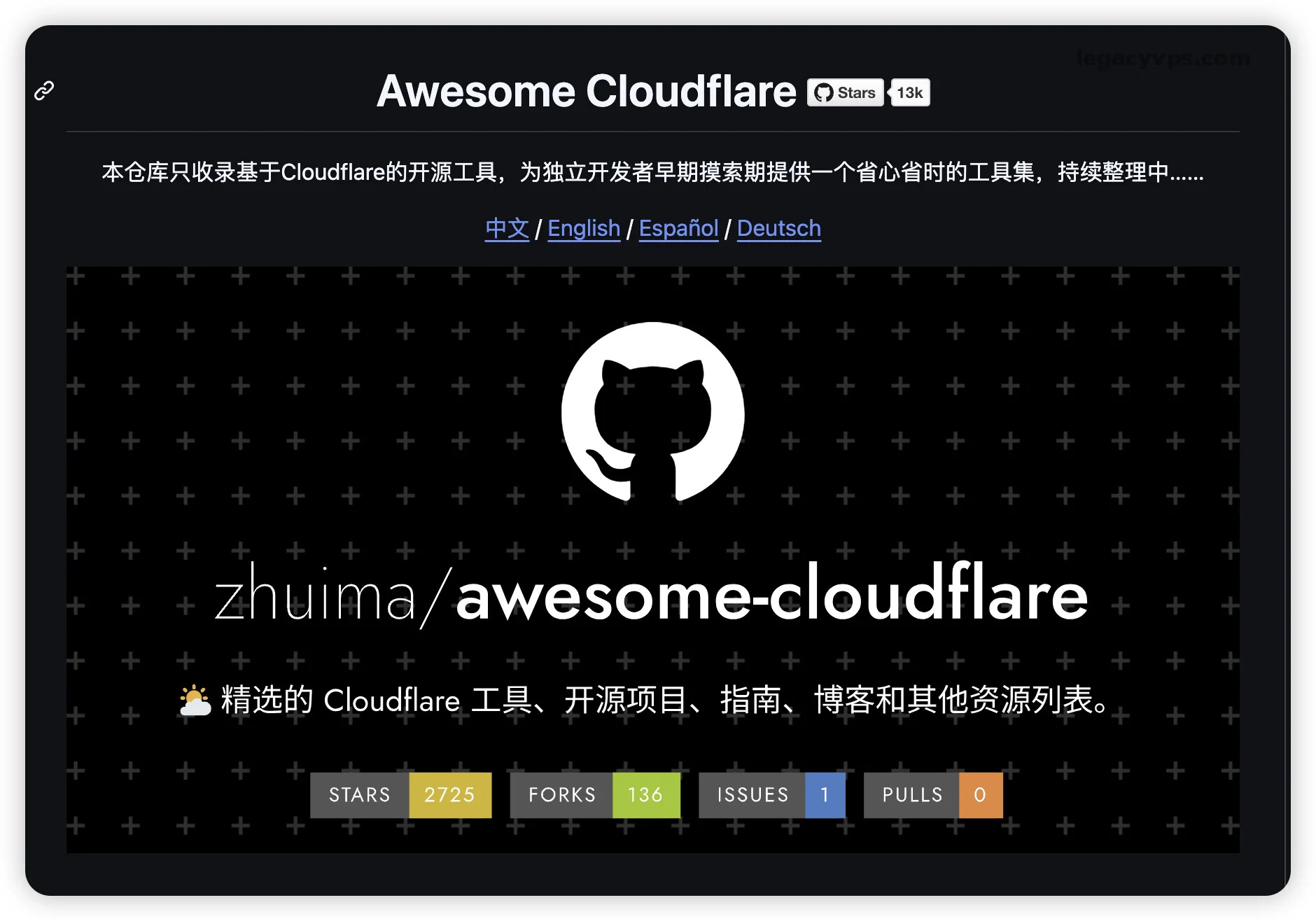
This repository collects many free open source tools built with Cloudflare. If you’re interested or have a need to build small tools, you can look for what you need there first.
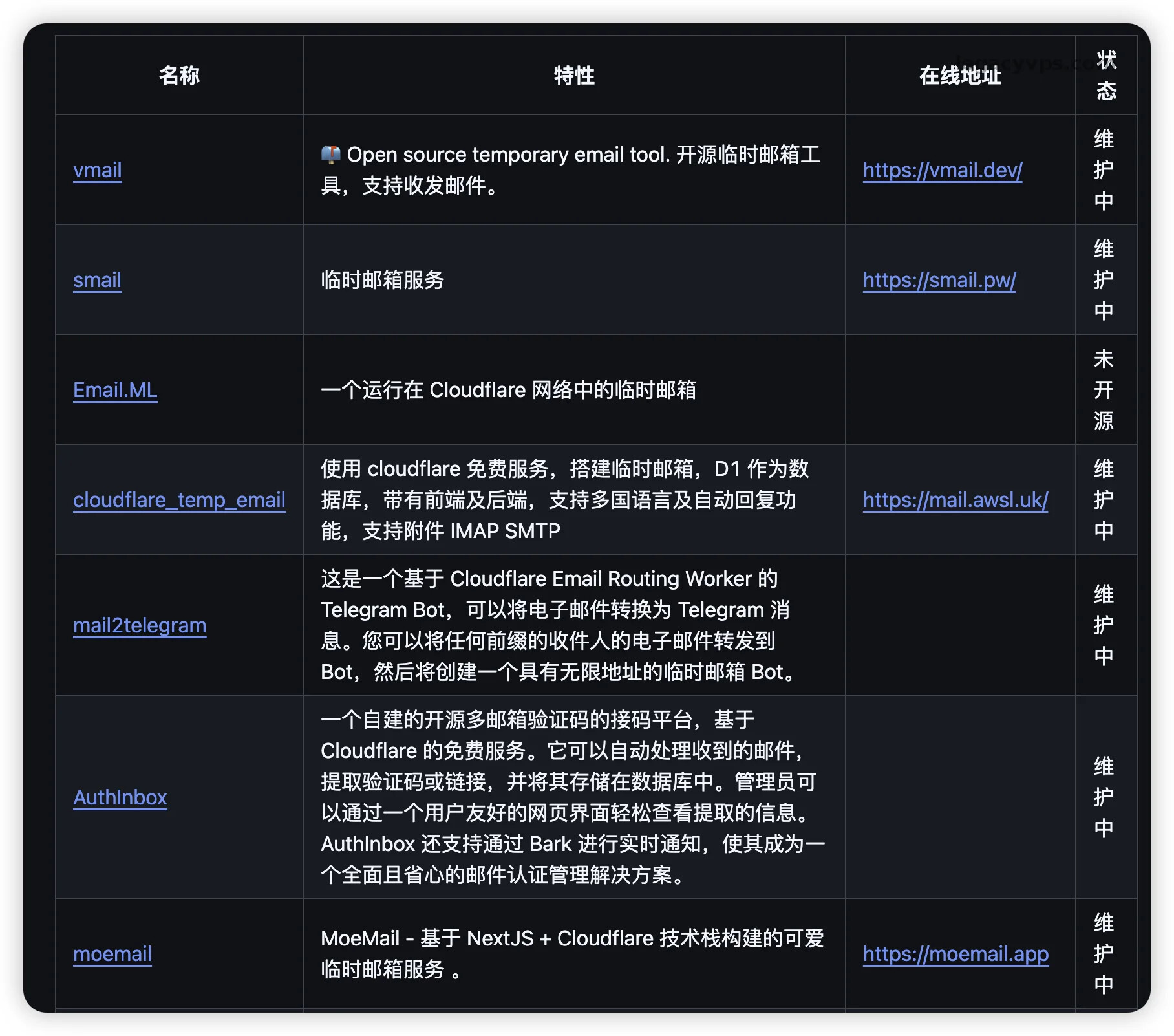
If you don’t even want to use your real mailbox to receive forwards, you can completely find related projects in this repository, such as open source projects using Cloudflare Worker to build temporary mailboxes (like vmail, smail, etc.).
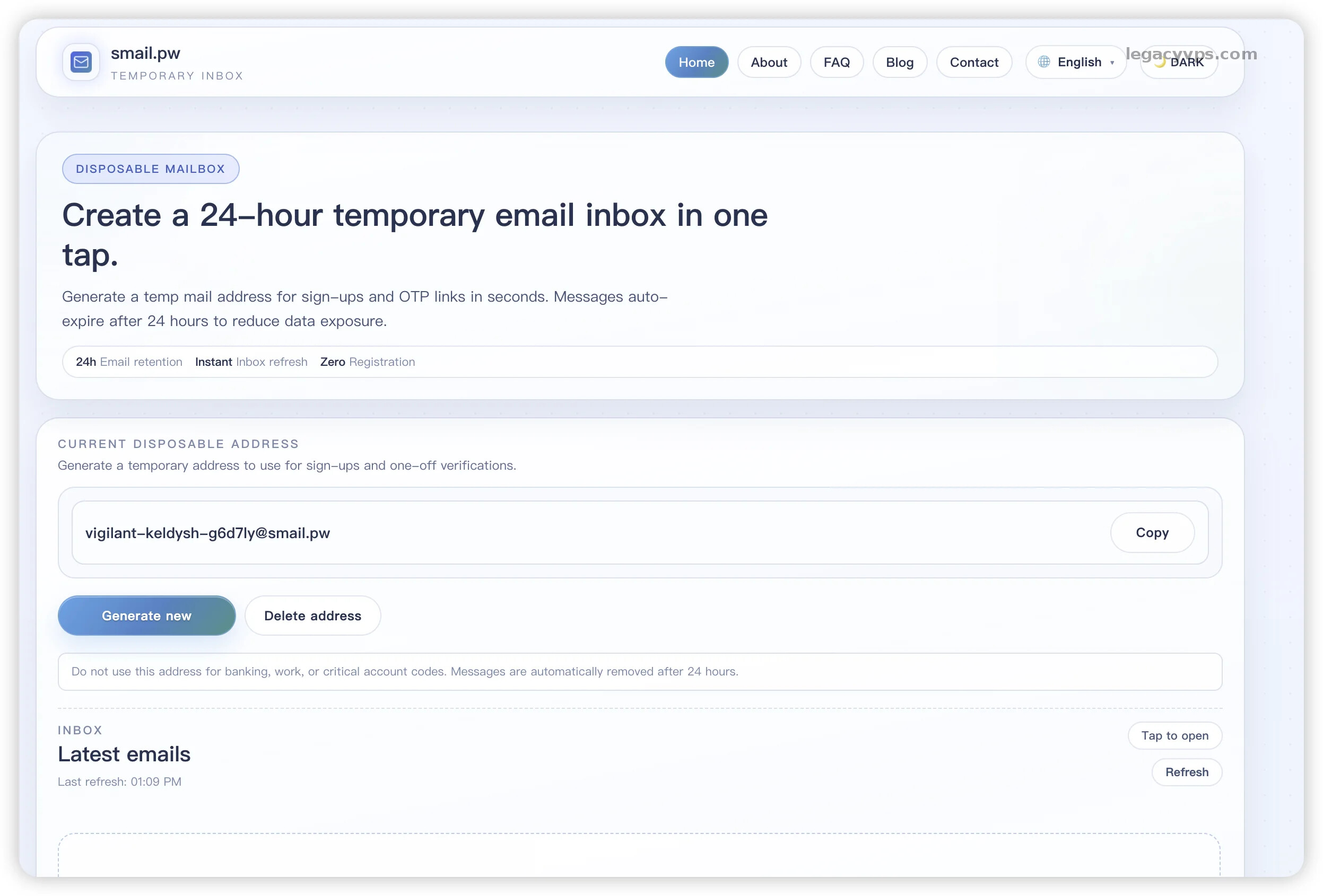
By directly using these open source projects, you can even build a dedicated temporary mail server at zero cost. Once you have a receiving address, we can start configuring the domain email routing.
Enable Email Routing
First, log in to the Cloudflare console and find the domain you want to use for email in your domain list (I’m still using our old friend: yuhuiculture.icu).

In the menu bar, find “Email” and then click “Email Routing”.
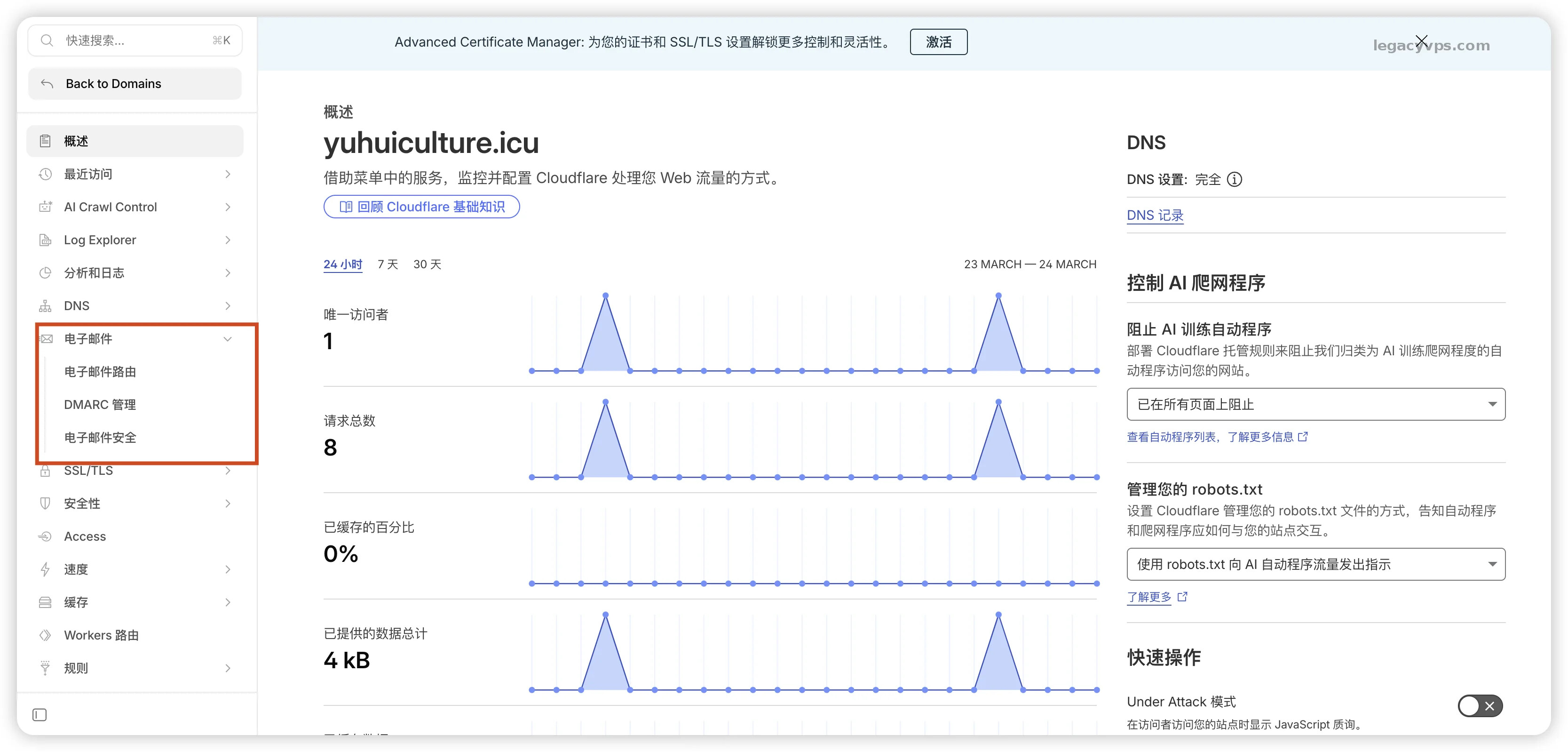
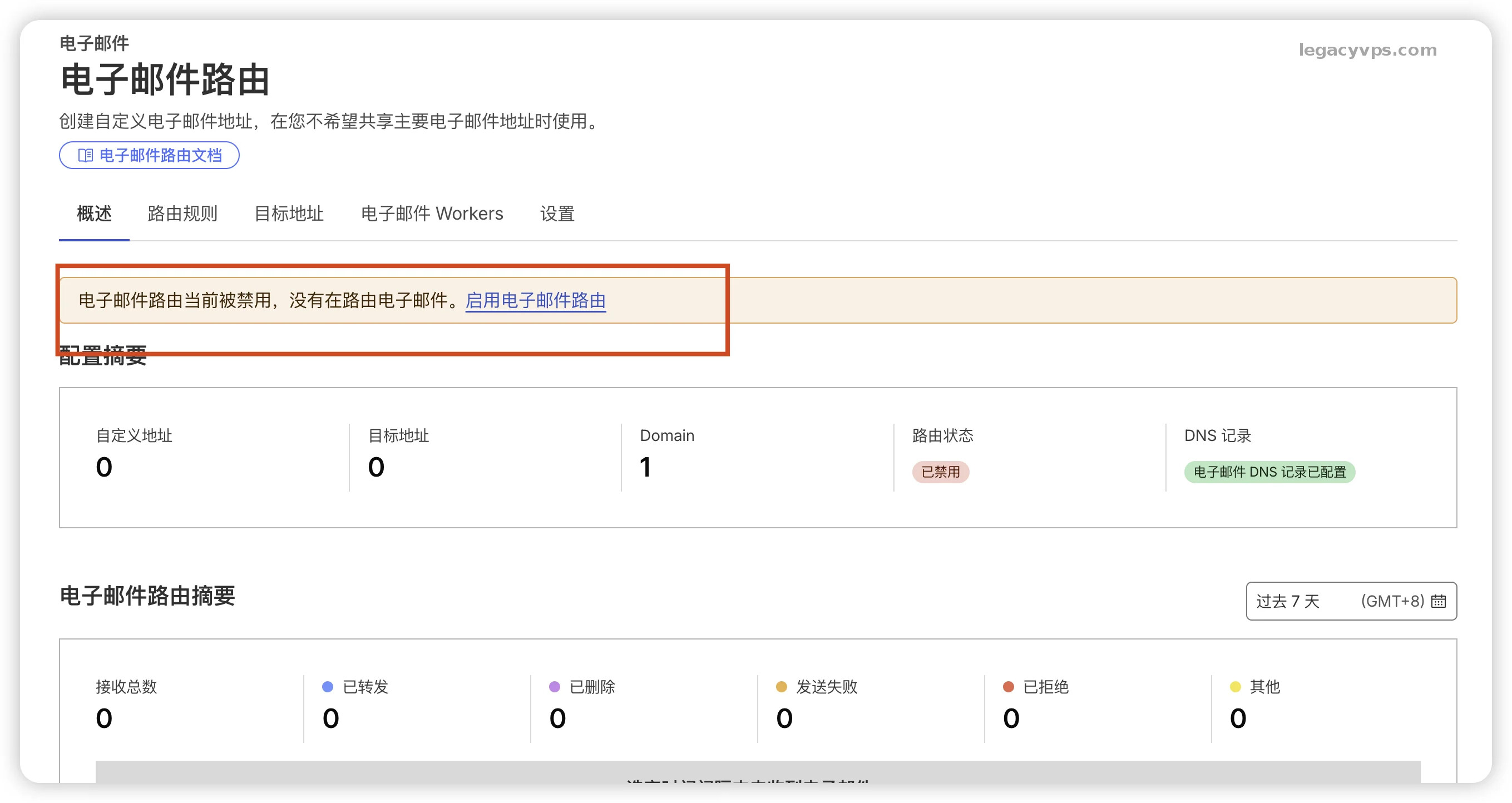
After entering the page, my routing function here is in a disabled state because I disabled it during my previous setup. If you’re new, it might be different, but there’s no big difference. Select the domain you want to use, then click “Enable Email Routing”.
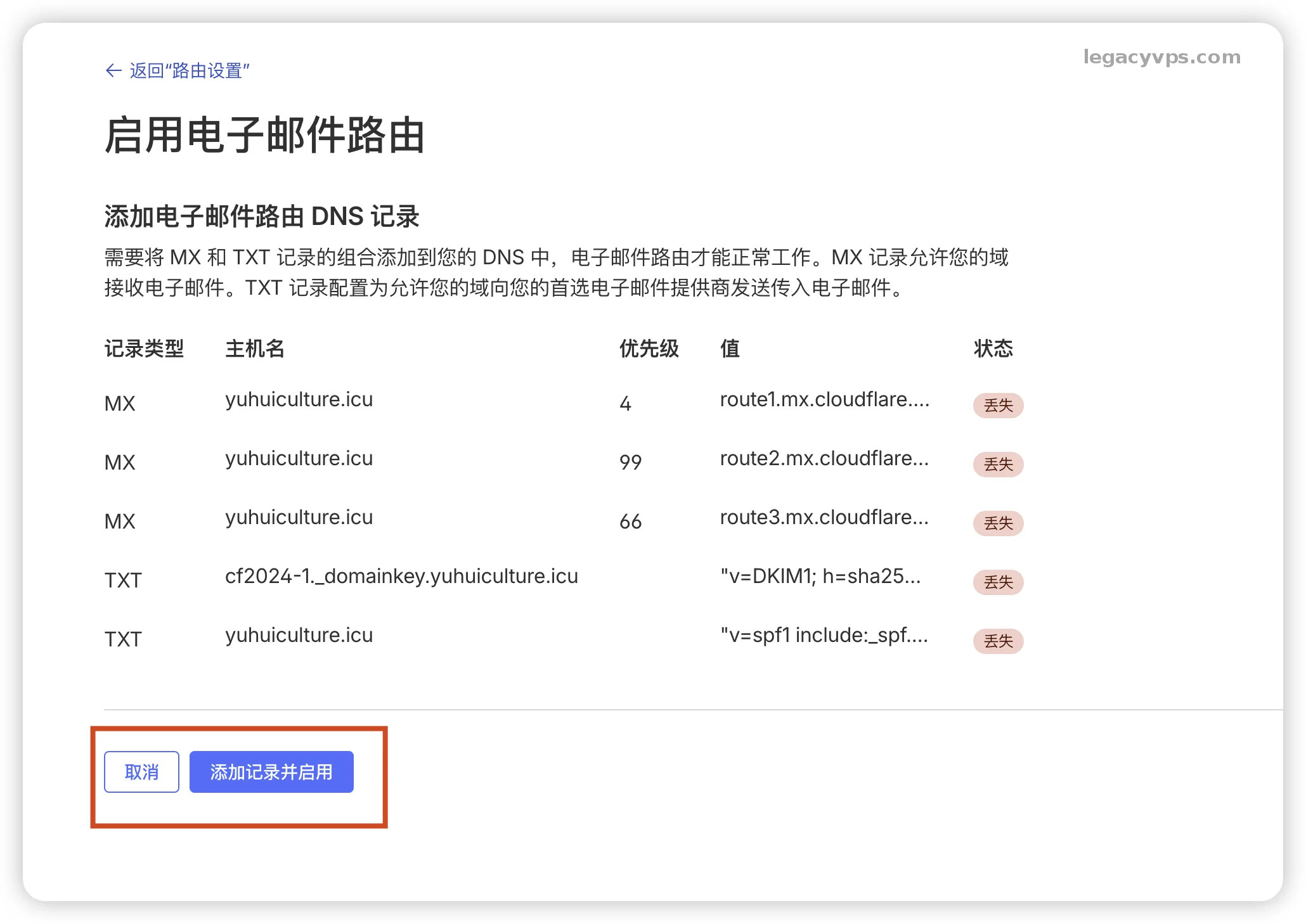
Then you don’t need to worry about DNS records (MX and TXT records). Cloudflare will automatically fill these in for you. You just need to click save.
Configure Catch-all
Here you need to bind a main mailbox (destination address) to receive all sub-mailboxes. After binding, the system will send a verification email to the destination address.
Here you can also set up one-to-one correspondence, for example [email protected] to [email protected], depending on how you want to set it up. I’m catching all emails to one mailbox here for convenience.
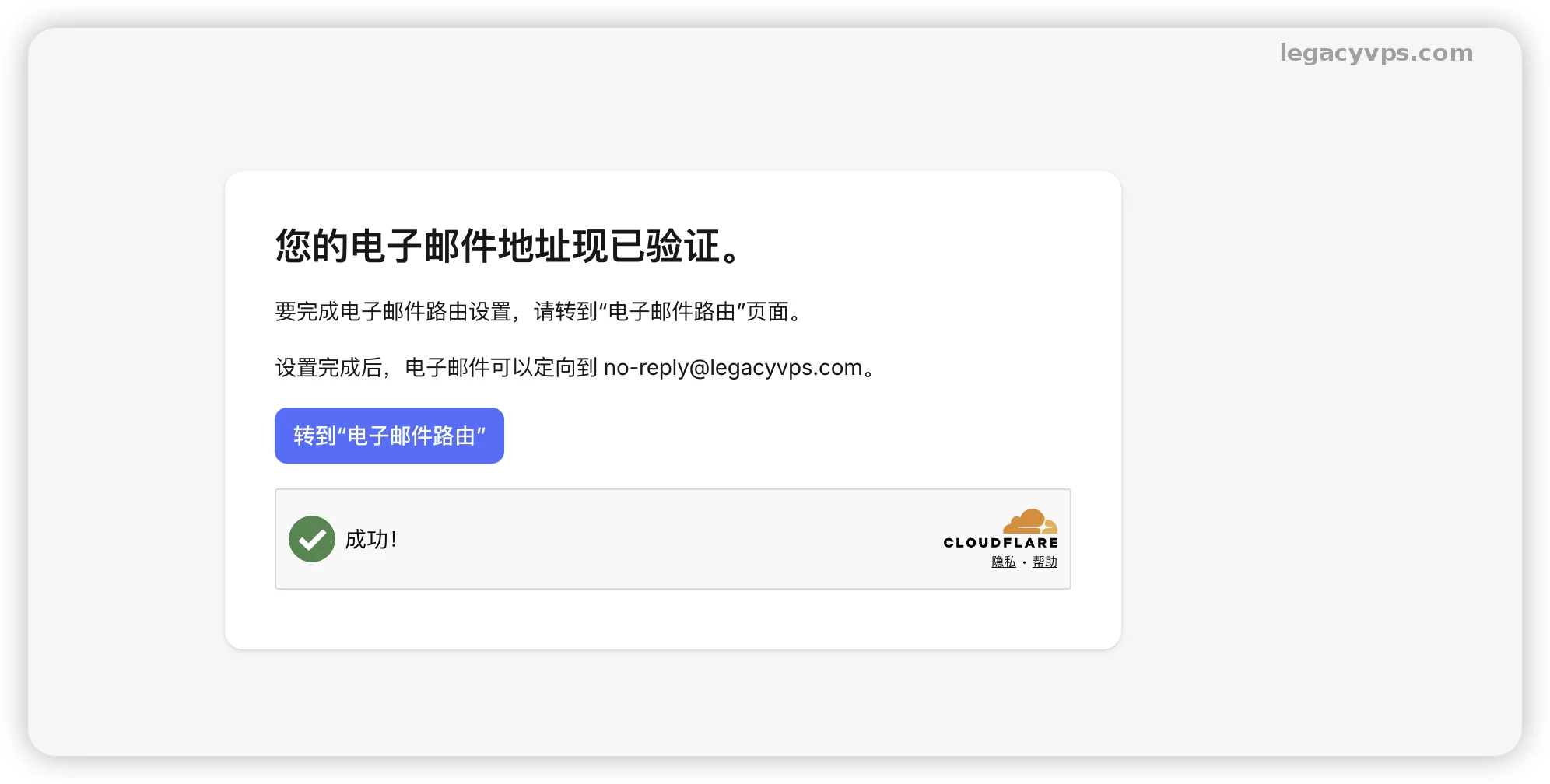
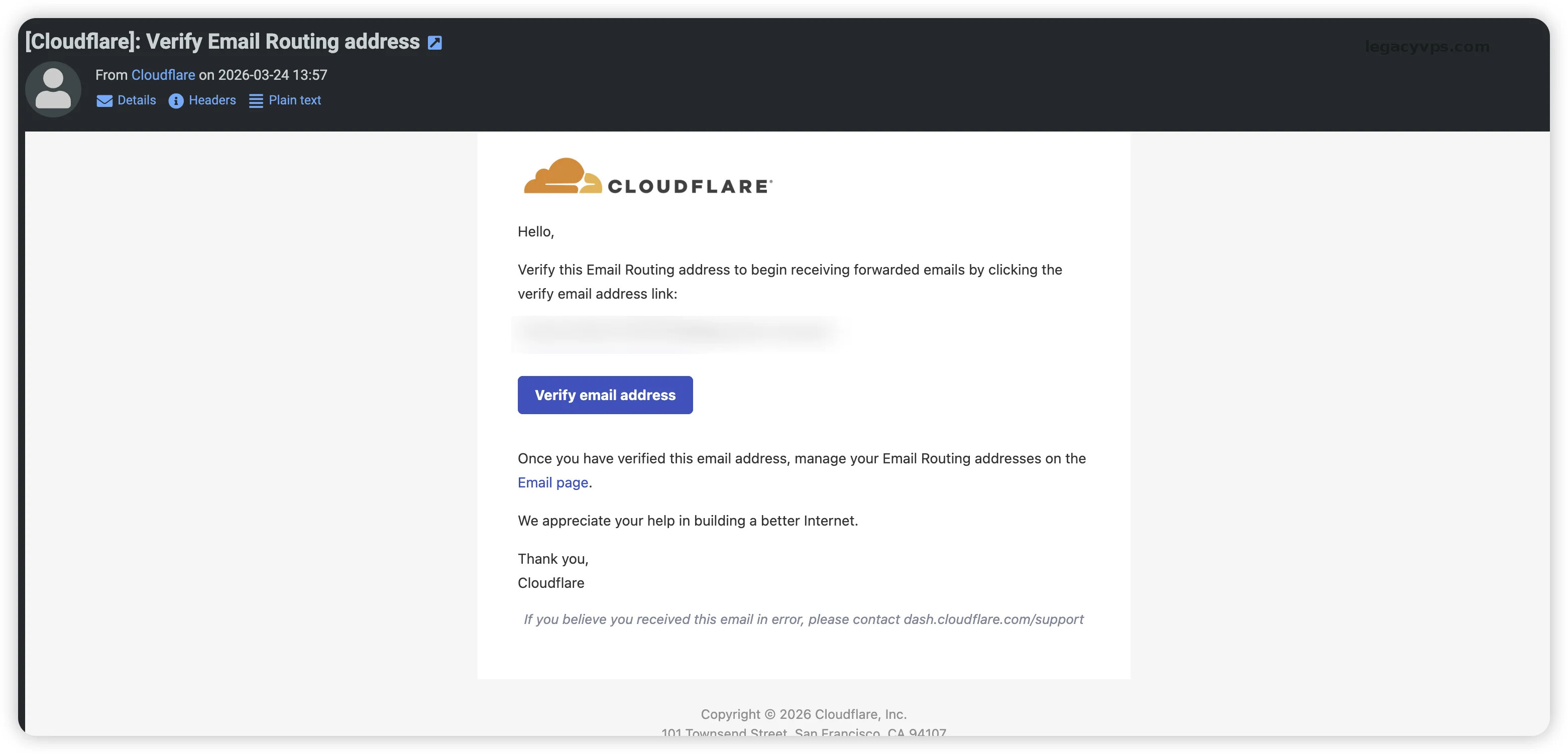
Open your mailbox and you will see a verification email from Cloudflare. Click “Verify email address” to complete authorization.
After verification is complete, go back to the Cloudflare email routing settings page and find the “Catch-all Address” setting. Click Edit and configure as follows:
- Action: Select “Send to email”
- Destination: Select the main mailbox you just verified (e.g. [email protected] in the demo)
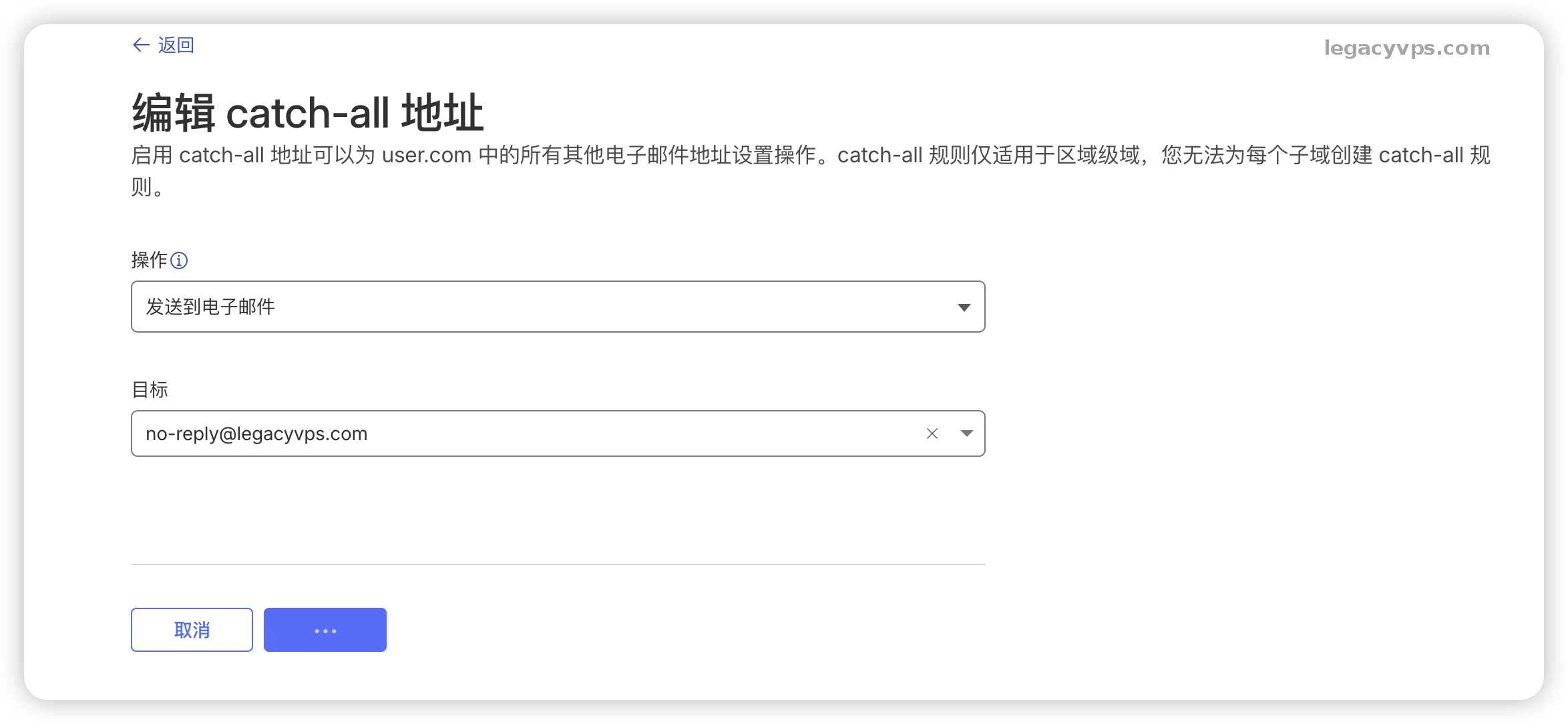
After saving, the core configuration is complete.
Catch-all simply means “capture all”. All mailboxes ending with
@yuhuiculture.icu, regardless of what the prefix is (for example a@, 123@, test@), all emails will be forwarded to the main mailbox (the mailbox you set).
Test Sub-mailboxes
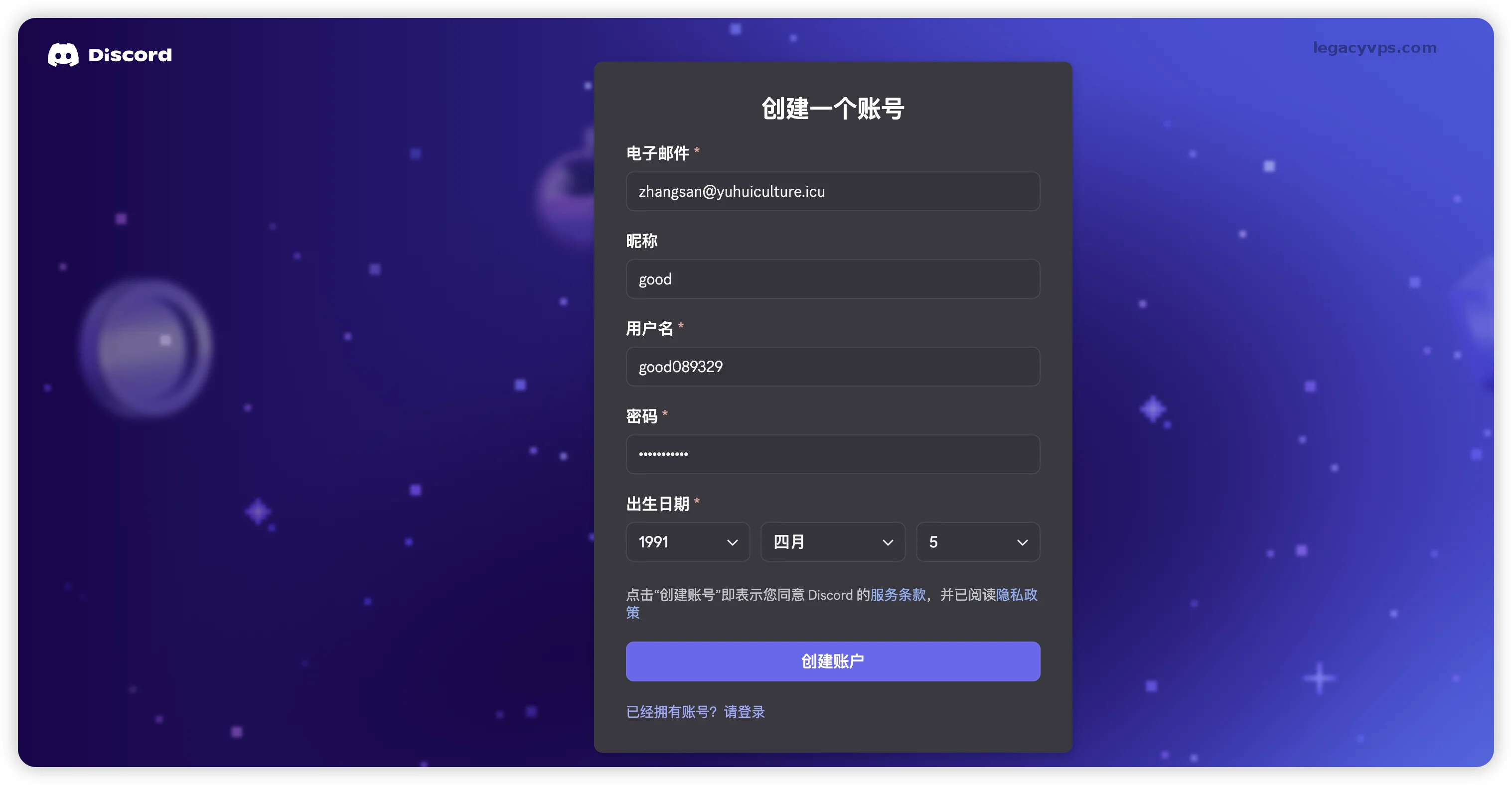
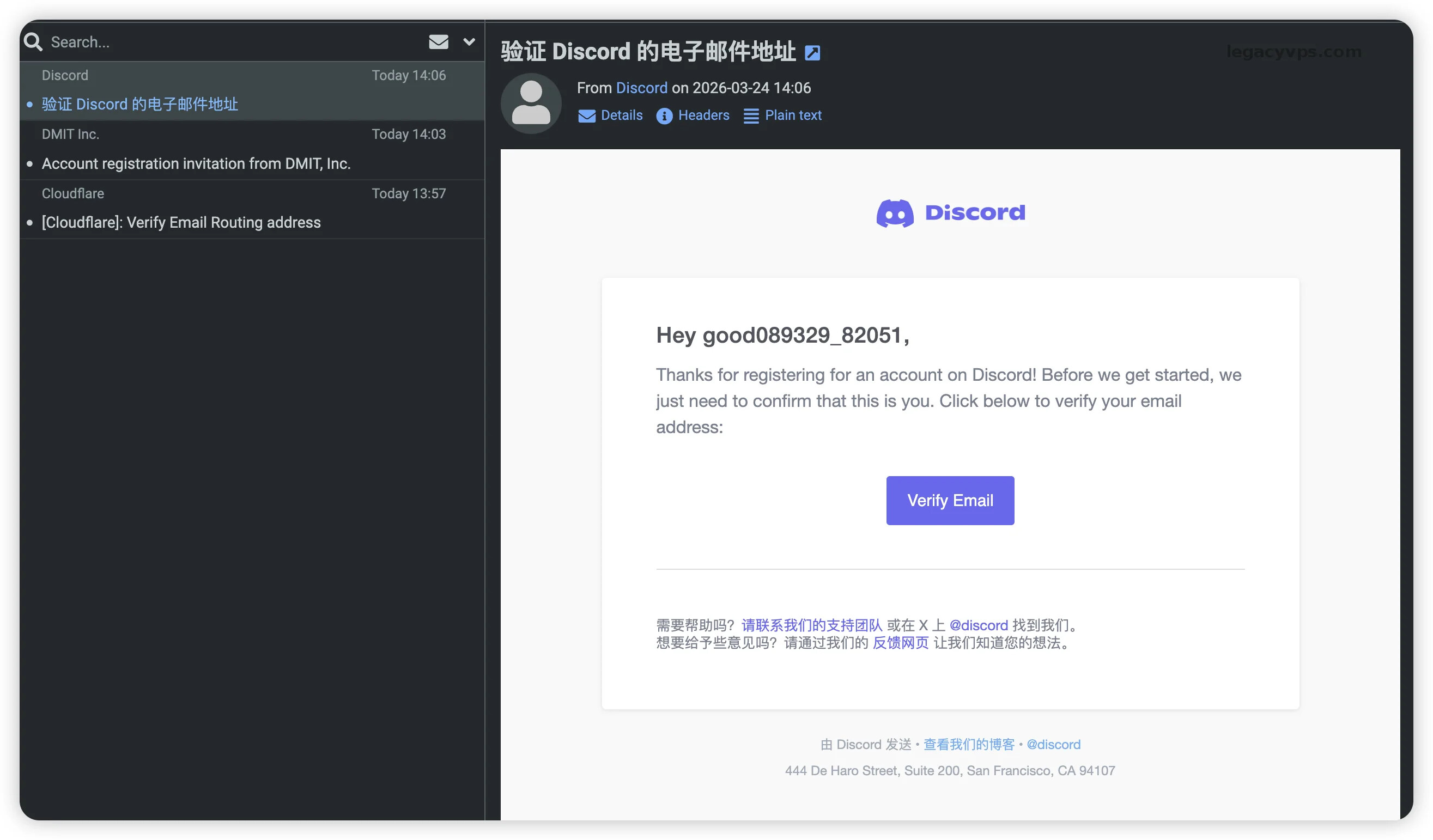
Here I’m using DMIT and Discord as demonstrations with two different sub-mailboxes, but the results are all in the main mailbox’s inbox.
Test 1: Register Discord
Test 2: Register DMIT
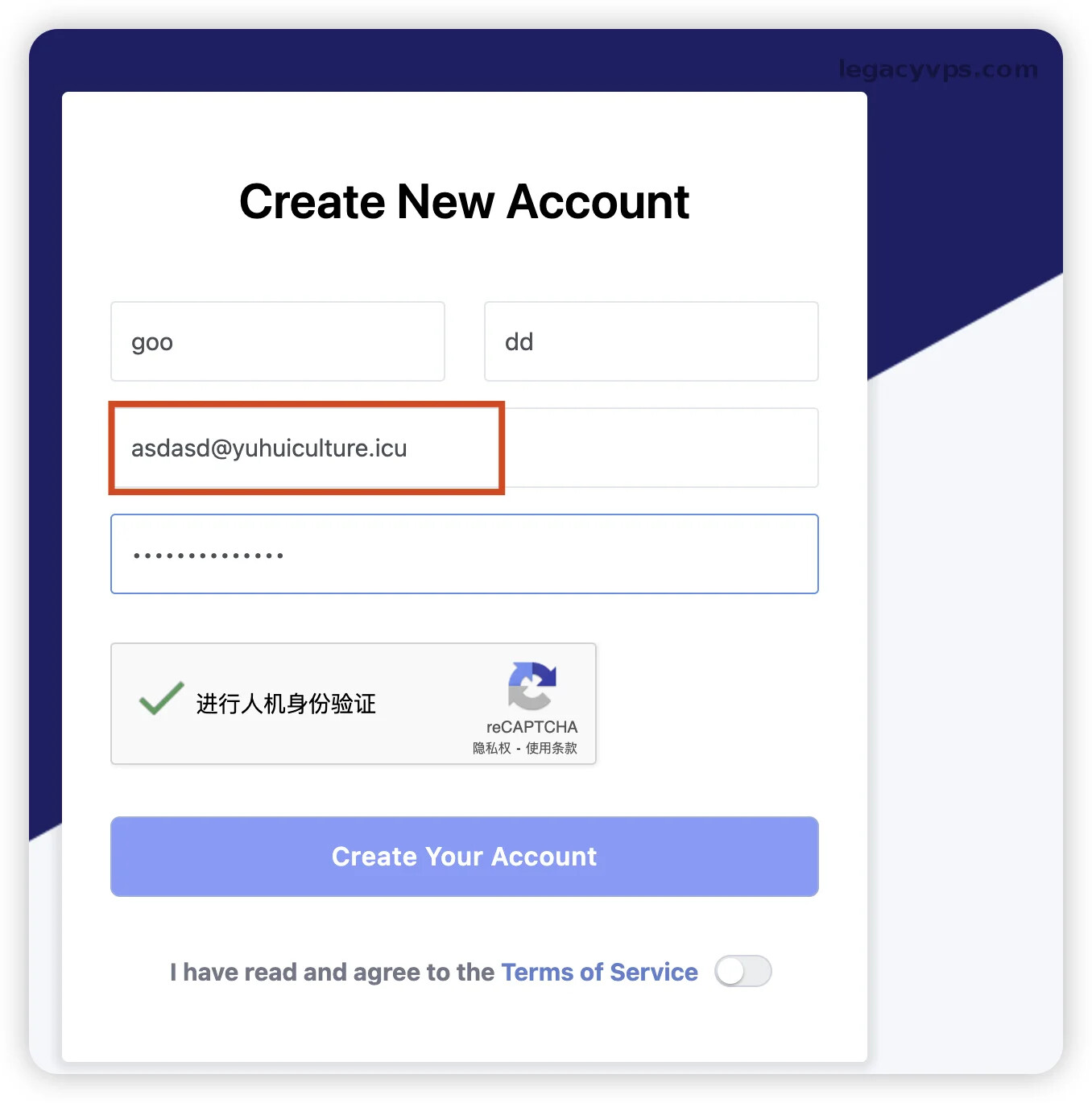
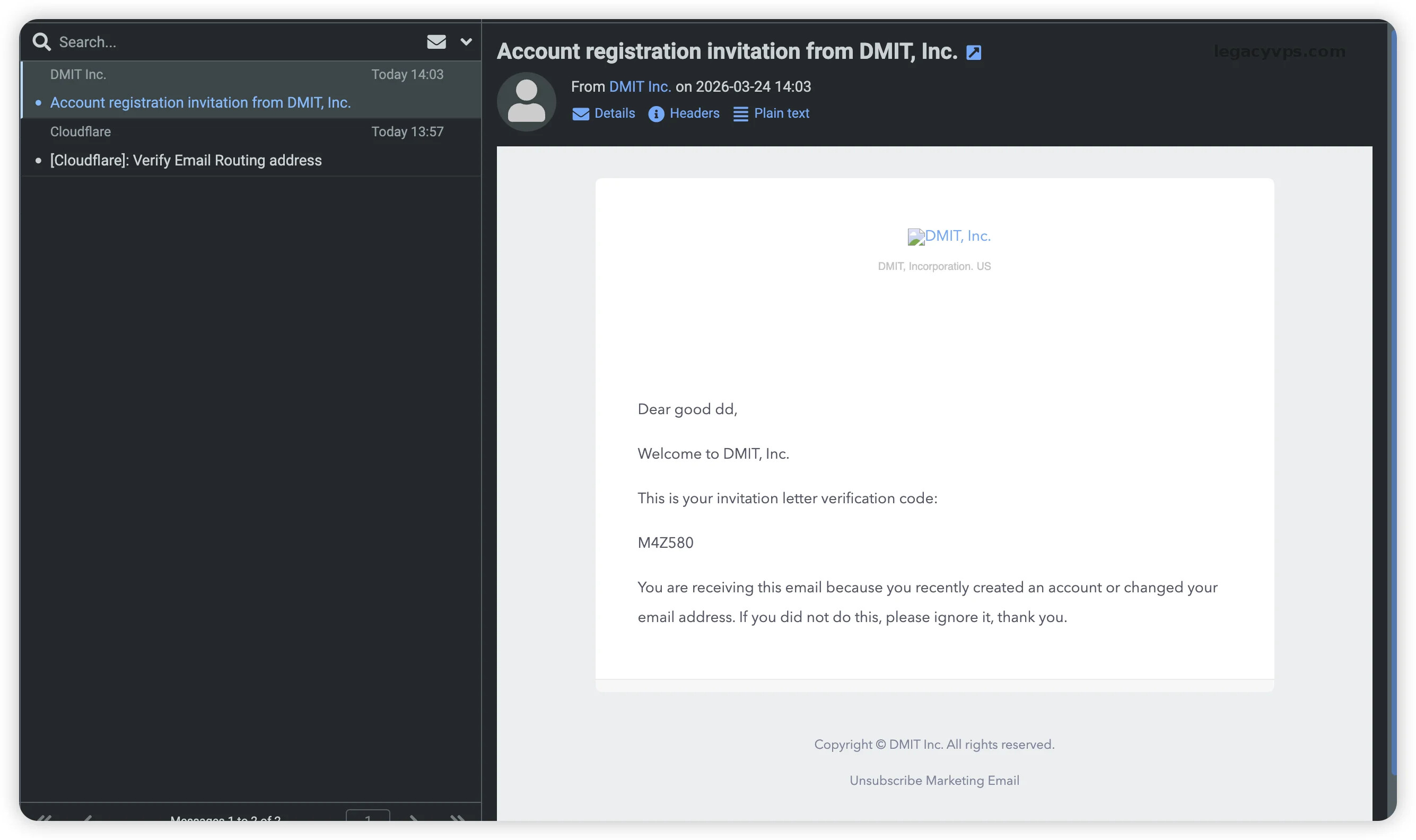
From testing, most services that use email registration work fine and can receive verification codes. If combined with API interfaces that can directly get email content, you can imagine how much freedom that provides.
Precautions
Through Cloudflare’s email routing function, we only need one domain hosted on Cloudflare to achieve custom domain freedom. No matter how many domains, there’s no problem.
However, there are still things that need attention:
-
Because they all have the same domain suffix, if you go too far, it’s easy to get all your mailboxes mass banned. So you need to manage the risk yourself.
-
Domains need to be renewed. If you forget to renew and someone else registers it, all your related email addresses will cease to exist and become someone else’s.
-
Only receiving function is provided. The sending function is currently in beta at Cloudflare. I imagine in the near future, we can also use the email sending service provided by Cloudflare.
 VPS Monitoring: https://legacyvps.com/scanidc
- Overseas Payment Sharing: https://easypaylog.com
 Legacy VPS: https://legacyvps.com
 TG Group: https://t.me/legacyvps